This dialog allows you to choose preview props, preview groups, and archived props that will be part of a grid view. Check the boxes next to the items you want. The selected items will appear in the list on the right. Only items listed on the right side will be applied to the grid view after you click the "OK" button.
You can filter the list on the left by typing some text into the filter box. The list is automatically filtered as you type each character. For example, to find your arch props, you could enter "arch".
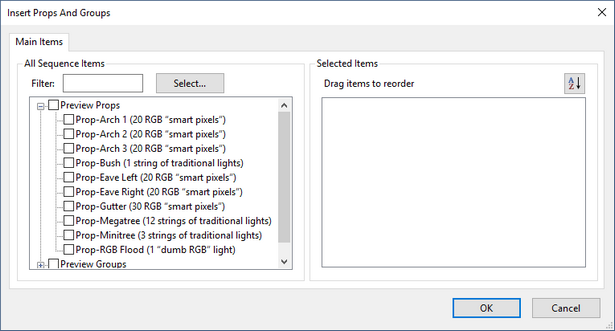
The Insert Props And Groups Dialog
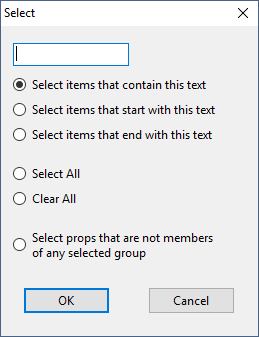
Clicking the "Select..." button opens the following window: